
What it is for #
Identity allows you to:
- reset or change your password (in case of first access, loss, or account lock);
Everyone - view active services;
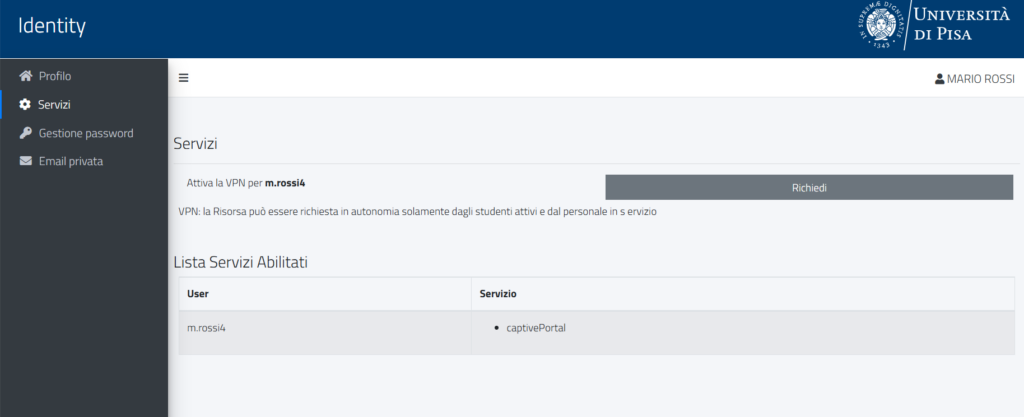
Everyone - activate the VPN independently;
UniPi StaffActive Students - update the personal email address
UniPi StaffActive Students - create credentials, based on the Regulation for the use of IT resources
Authorized Staff
Access is done via UniPi credentials or SPID/CIE. After logging in, you can view the information associated with your account and all linked credentials, including any previous credentials or those related to different roles (for example, student and employee).
Who it is for #
The service is aimed at all users in possession of university credentials. To access, you must have active UniPi credentials or SPID/CIE.
Further information about university credentials is available in the section Access credentials.
Access #
How to access #
- Connect to Identity;
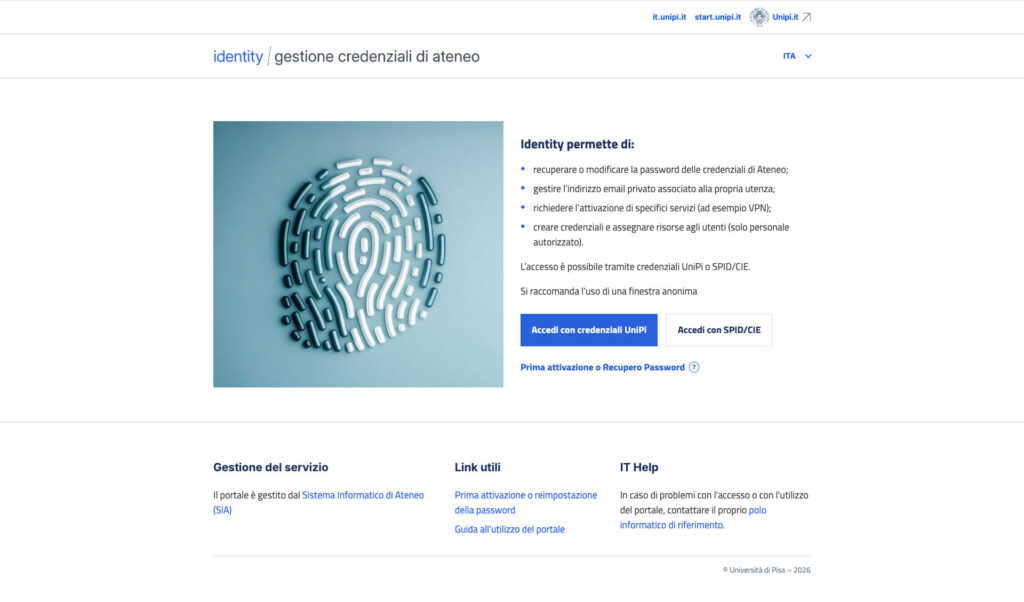
- Choose the access method: UniPi Credentials or SPID/CIE;
- log in using the chosen method.
Attention
If logging in with UniPi credentials, please ensure that a personal Microsoft account is not already logged in within the browser. To avoid errors, it is recommended to use an incognito or private window.
Features available after login #
Profile #
In the Profile section, you can view the personal data associated with your account (first name, last name, tax code, date of birth, etc.).
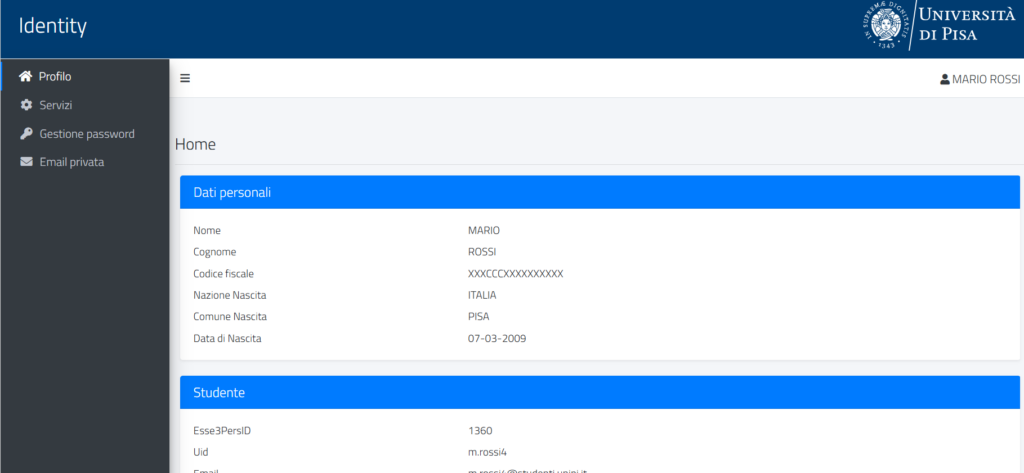
If, after logging in, your profile data is not visible, you will see the following screen:

Attention
For new students just registered on the Alice portal without using SPID or CIE, please remember that it is necessary to confirm the registration as indicated in the email received at the end of the registration; otherwise, it will not be possible to access the portal or perform any other operations on the university’s IT systems.
Services #
In the Services section, you can consult the services associated with your credentials.
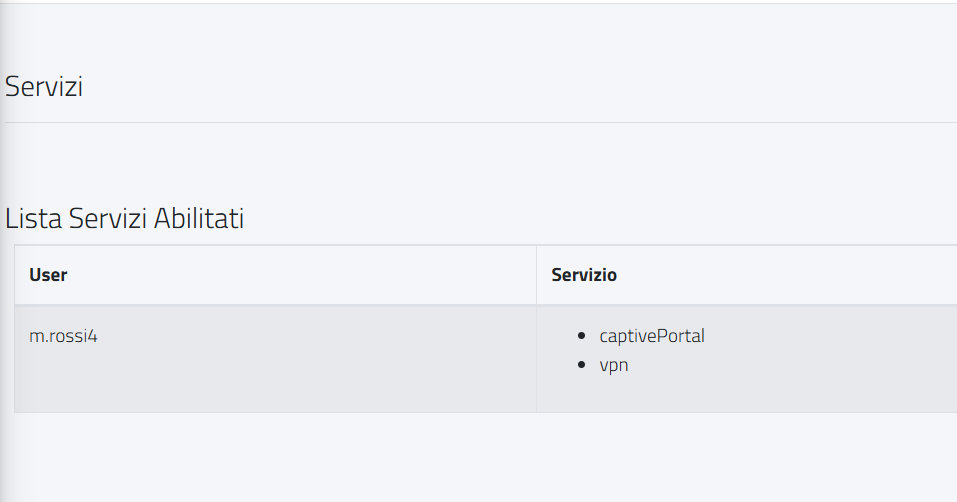
For UniPi staff and active students, it is also possible to independently activate the VPN.
Password Management #
In the Password Management section, it is possible to change the password for all active credentials linked to your account.

Private Email #
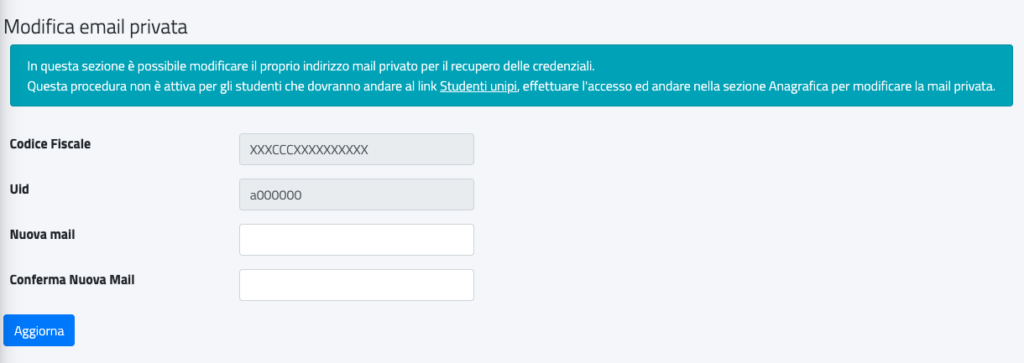
In the Private Email section, you can view and modify the personal email address associated with your account. Both UniPi staff and students can update it directly from Identity; students can also modify it from the Alice portal.
Credential Creation #
The credential issuance and resource assignment service is available only for authorized personnel and can be used exclusively for user categories for which automatic credential issuance is not provided, as outlined in the Regulations for the Use of IT Resources.
The operational guide is available for authorized personnel within the portal, under the heading Credential Issuance Guide.
Password Recovery #
When to use password recovery #
The password recovery feature is useful:
- at the first login;
- if you forgot your password;
- if your account is locked;
- following a suspected phishing attempt.
Password Recovery Procedure #
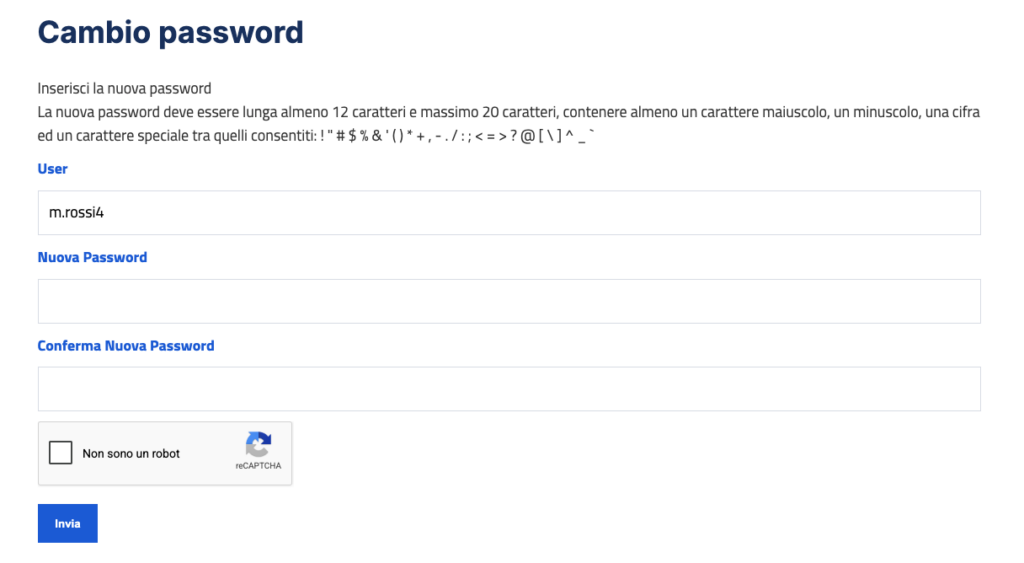
To reset your password, you need to access the First activation or password reset function available on the Identity homepage.
Attention
If the procedure does not go successfully, please ensure that the private email address associated with the account is correct.
At the end of the procedure, an email will be sent to the registered personal email address, containing a link to set the new password.
Particular Cases #
Users already registered on Alice #
Users already registered on Alice must enter their tax code and the personal email address linked to their account.
If you do not have access to the personal email address #
If you do not remember the personal email address associated with the account or can no longer access it:
- users of Italian nationality can recover their password via SPID or CIE by accessing the University of Pisa Identity Portal;
- users of non-Italian nationality can request a password change by entering their tax code and the personal email address registered on the Alice portal.
- You can request a change to your personal email address by filling out the Personal Email Change – Request form.
UniPi Employees with Unverified Personal Email Addresses #
If the personal email address associated with your account has not been verified, you cannot reset your password on your own. In this case, you need to contact the relevant IT support center.
Multiple Associated Accounts #
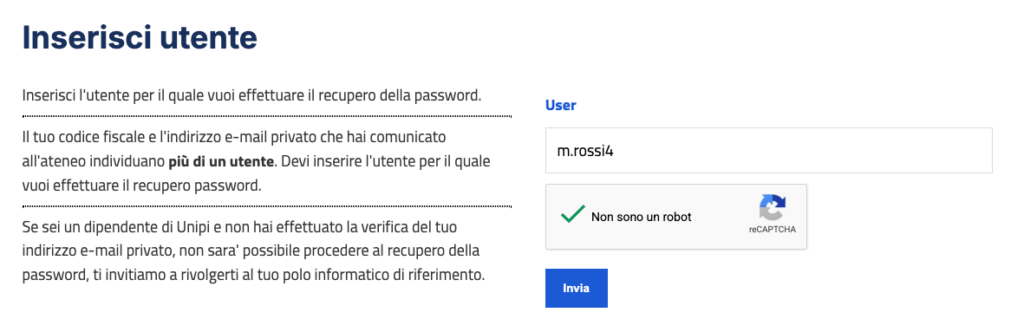
If multiple accounts are associated with your user account, you will be asked to indicate the user for which you want to recover the password during the procedure.
Frequently Asked Questions #
#
Make sure you are logged in with your UniPi credentials. If a personal Microsoft account is already logged in on the browser, this may interfere with authentication and cause errors on the login screen. In this case, try using an incognito or private window of the browser.
#
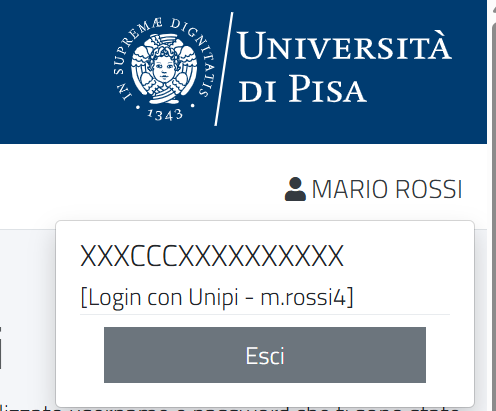
The user may not yet be present in the system. In this case, log out by clicking on the name in the upper right corner and then on Logout. Then try again later.
#
Probably one of the credentials associated with the account is blocked. Unlock the credential via the password recovery function and then try logging in again.
#
Probably one of the credentials associated with the account is blocked. Unlock the credential using the password recovery function and then try accessing again.
#
Try using a different browser, such as Firefox, Chrome, or Edge.
#
Try logging in or changing your password from a computer.
#
Check that the private email address associated with your account is correct and try again. If the problem persists, contact the relevant IT support providing the details.
#
Students can update their personal email address from the Alice portal in the private email section.
Support #
If the issue cannot be resolved with the instructions in this guide and the frequently asked questions, please contact your relevant IT support center providing all details.