
Web Access #
After the migration of the mailbox, a link to your email inbox will appear on the page https://unipi.it/webmail (or https://owa.unipi.it), leading to outlook.office.com.
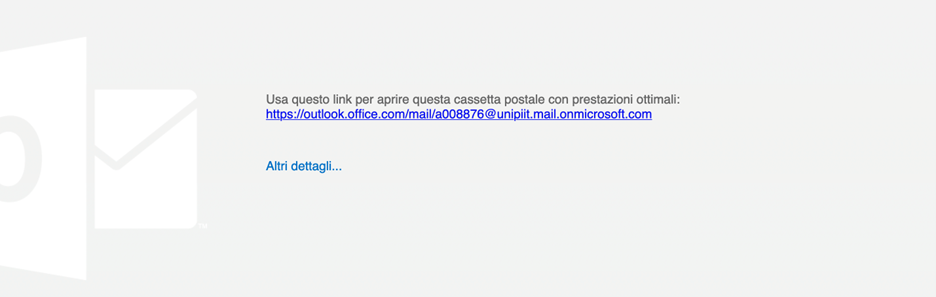
For subsequent logins:
- Connect to https://outlook.office.com/.
- Select the Sign In button.
- Enter your institutional email address and log in with your University credentials.
Please note: The self-management service for distribution lists is temporarily suspended.
Email Sending Limits #
Sending to internal recipients
Maximum 500 recipients/hour
Sending to external recipients
Maximum 500 recipients/hour
Daily overall limit
Maximum 1000 recipients/day
Exceeding limits
If thresholds are exceeded, the user is temporarily prohibited from sending mail.
Unlocking can only be performed by the service administrators; therefore, it is necessary to contact your reference hub, which will request the unlocking.